
Coming soon
Culsin - B2B Registration Form & Approval
A registration and approval workflow for wholesale Shopify stores. Collect applications, validate VAT IDs, and manage approvals. All from your admin.
Works with any Shopify plan · Shopify Flow ready
What's included
A complete B2B application workflow, built for Shopify merchants.
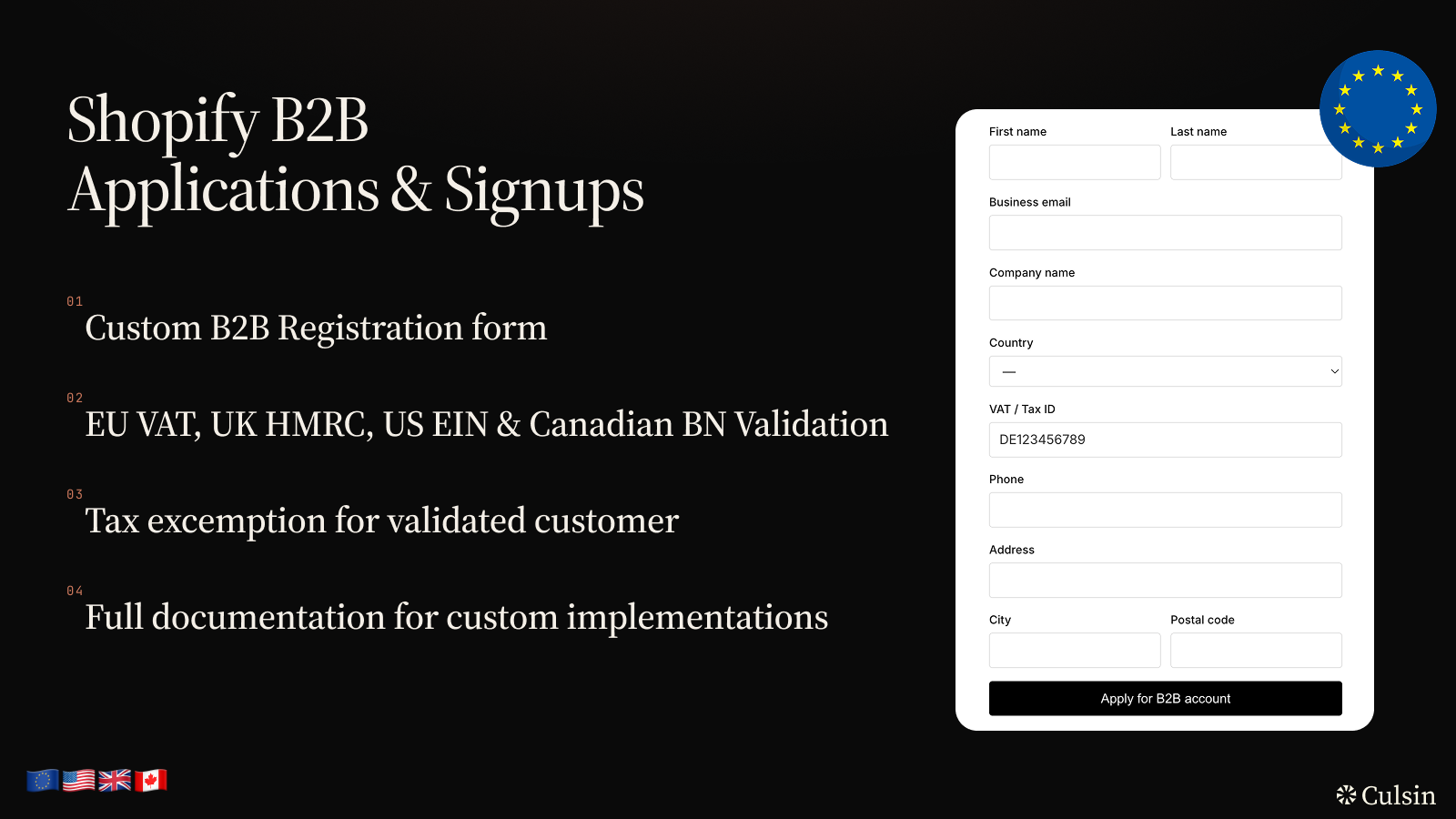
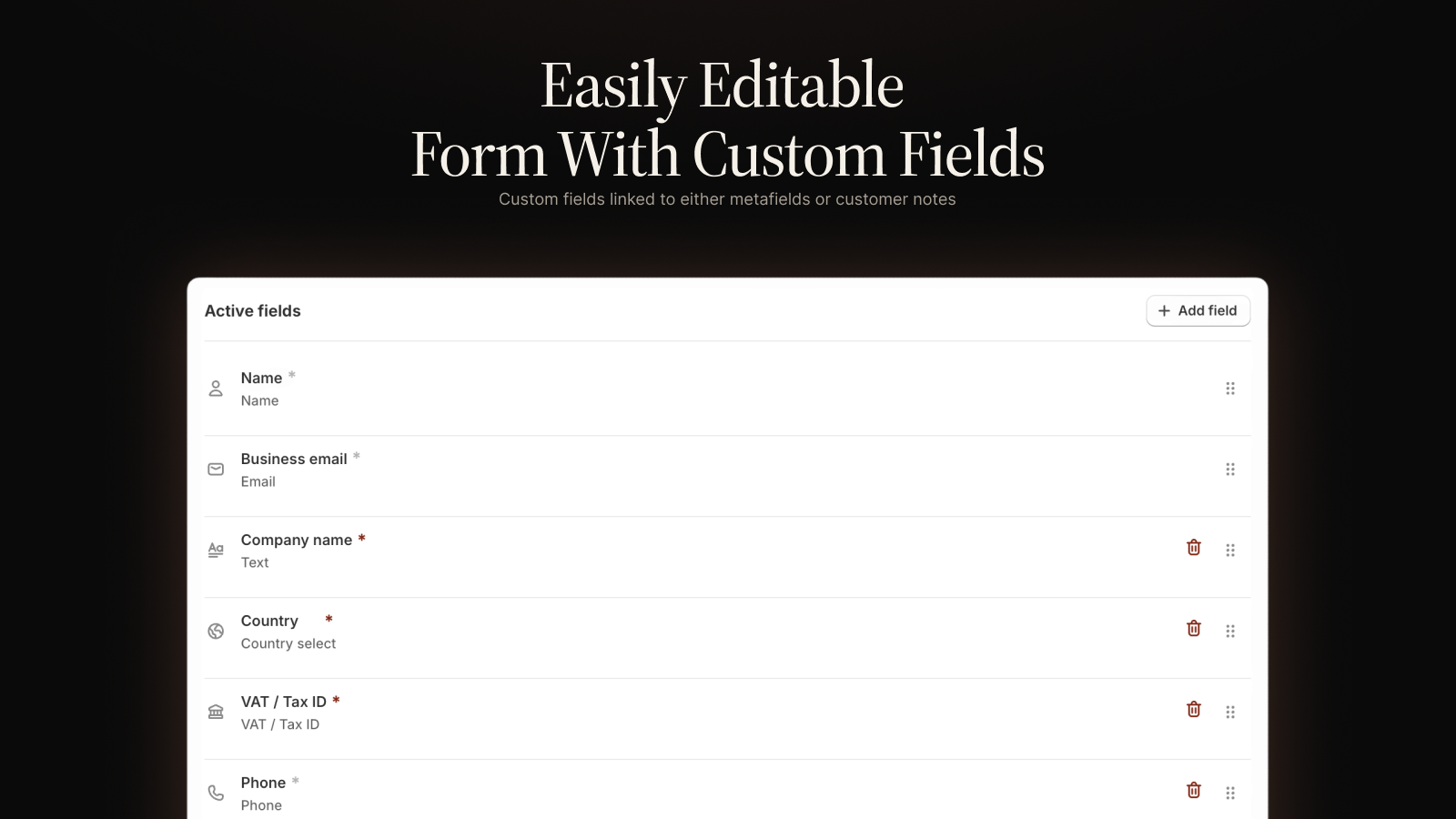
Customizable application form
Build your registration form with text, select, and composite fields. Add custom fields that write to customer metafields or notes on approval.
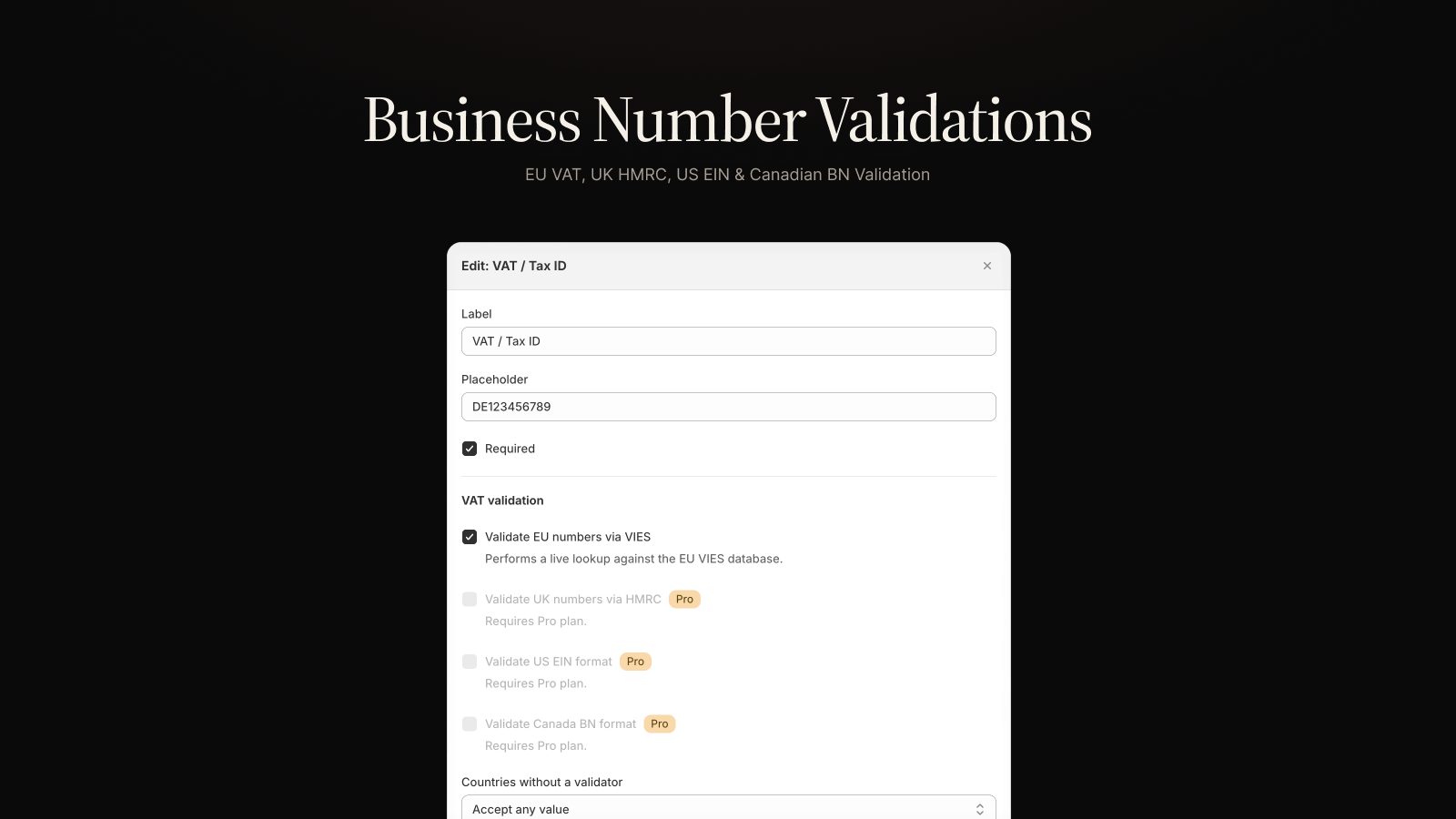
VAT ID validation
Validate EU VAT numbers in real time against VIES. Supports UK, US EIN, and Canadian BN formats too. Blocked or skipped for unknown countries - your call.
Review & approve in one click
Pending applications land in your Shopify admin. Approve or deny with a single click. The app tags the customer and optionally sets them as tax-exempt.
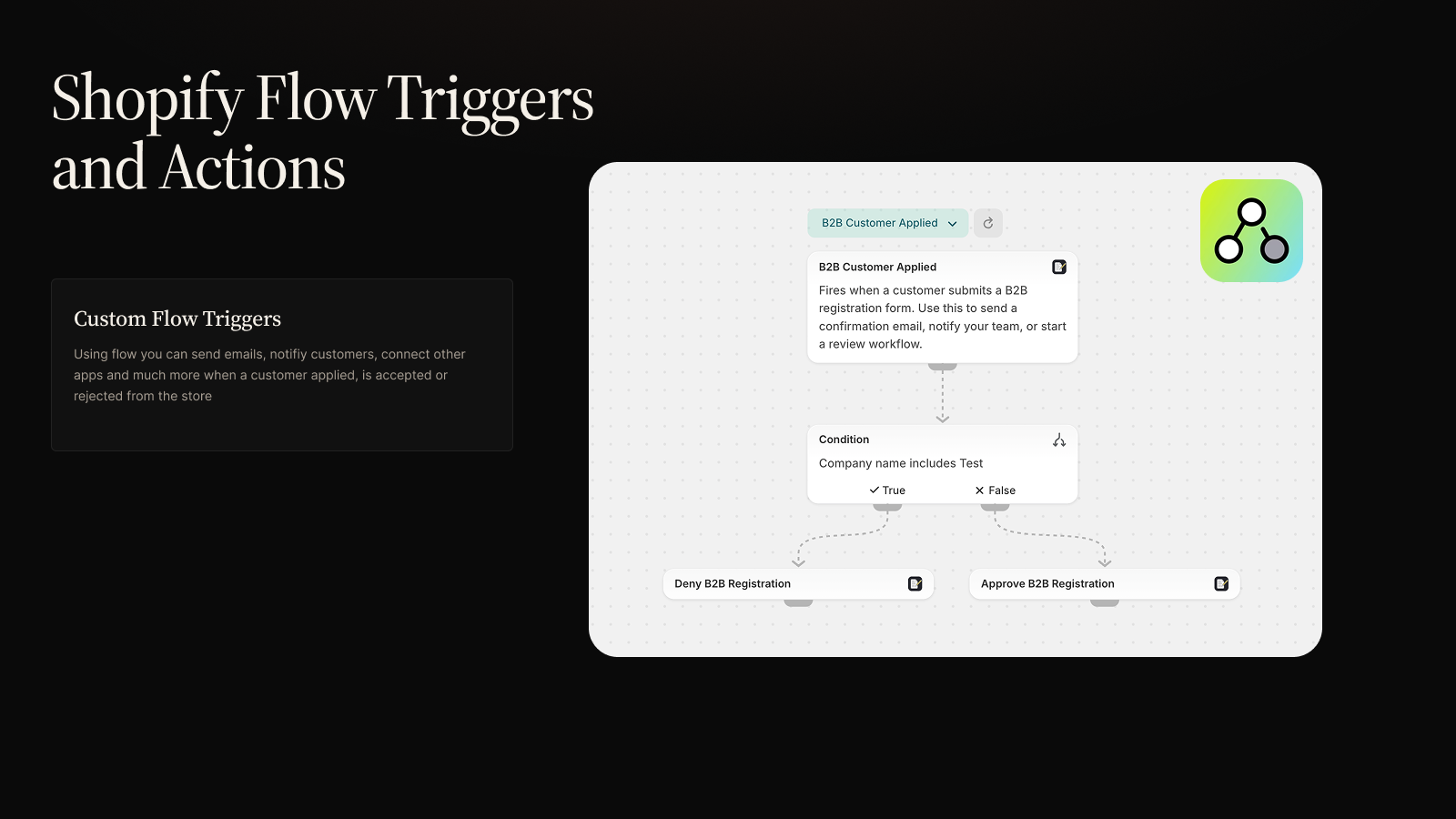
Shopify Flow integration
Fires Flow triggers when customers apply, get approved, or get denied. Use Flow to send notification emails, update a CRM, or build multi-step approval chains.
See it in action
Clean interfaces for both the storefront form and your admin review dashboard.
Frequently asked questions
Does this work with any Shopify theme?
Yes. The app installs a registration form block you add to any page via the Shopify theme editor. It takes about a minute to set up and works with any theme - no code changes needed.
Do I need Shopify Plus?
No. B2B Registration Form & Approval works on all Shopify plans. The only Plus-exclusive feature is automatic Shopify B2B Company creation on approval. Everything else works on any plan.
Does the app restrict storefront access?
No. That's intentionally outside the app's scope. The app tags approved customers (b2b-accepted by default). You decide what those tags unlock: Shopify markets, theme-level conditions, or a separate access app.
Can I customize the application form?
Yes. Add, remove, and reorder fields. Supported types include text, email, phone, number, textarea, select, checkbox, country, and composite address/name fields. Custom fields can write to customer metafields or customer notes on approval.
What happens when I approve or reject an application?
On approval: the customer is tagged (b2b-accepted by default), optionally set as tax-exempt, and a Shopify Flow trigger fires so you can send a welcome email or trigger other automations. On rejection: the customer is tagged b2b-denied and a separate Flow trigger fires.
How does VAT validation work?
EU VAT numbers are validated in real time against the VIES database. UK, US (EIN), and Canadian (BN) formats are checked for format validity. You choose per-field whether unknown countries block submission or are skipped.
Still have questions?
contact@culsin.com →